fgd88 App Download for Android: Install It and Play in Minutes
The fgd88 app puts the full lobby on your phone: live dealer tables, slots, crash rounds and cricket markets. The file is free, it weighs 36 MB, and it installs on any Android phone running version 6.0 or newer. Tap the button and the download starts straight away.
No Play Store or Apple ID needed. Point your phone camera at the code to open the same fgd88.apk link on a small screen.
App or browser: which one fits your day
Both versions share one account, one wallet and one bonus balance, so nothing is lost when you switch. What changes is how the screen behaves and how much mobile data each route eats. The table lines up the three ways players in Dhaka and Chattogram usually open fgd88 during a working day.
| Where you play | Best for | Data use | Sign-in | Live tables | Updates |
|---|---|---|---|---|---|
| fgd88 app (Android) | Long sessions on one phone, cashier work included | Lowest after the first install, game art is cached | Saved, one tap opens your lobby | Full screen, no address bar, no scroll lag | Manual APK download when a new build ships |
| Mobile browser | A quick balance check or a single bet on the move | Higher, every page reloads its own images | Email and password, may time out in a background tab | Works well, but the video window is smaller | Instant, always the current build |
| Desktop browser | Four tables open at once and heavy cricket research | Highest of the three over the same session length | Saved in the browser profile | Best layout for multi-table play | Instant, nothing to reinstall |
If your handset is older than Android 6.0, or you bet once a week, stay on the browser: nothing is missing there. Heavy users gain more from the fgd88 app because the lobby stays in memory instead of reloading every time you leave a table.
Install the fgd88 App on Android in five steps
You will not find this app on the Play Store, so the file arrives from our own server. That is normal for betting apps and it means one extra permission screen before the install starts. Read the five steps once, then follow them in order.
-
1
Allow installs from your browser
Open Settings, then Security, then Install unknown apps. Pick the browser you download with, for example Chrome, and switch Allow from this source on. Android asks once per app, and you can switch it back off afterwards.
-
2
Download the APK file
Come back to this page and tap Download APK. Keep the tab open until the progress bar finishes. The file is 36 MB, so a 4G connection needs well under a minute. When it ends, check the name reads fgd88.apk.
-
3
Open the finished file
Pull down the notification shade and tap the completed download, or open Files and look inside Downloads. Android shows the installer screen with the app name and the permissions it wants. Read that list, then tap Install.
-
4
Clear the Play Protect warning
Play Protect often flags packages it has not seen before. If a grey or yellow box appears, choose More details and then Install anyway. Anything you take from fgd88.cam is signed by us; the warning is about the file being new, not about damage.
-
5
Sign in and lock your phone
Open the app and use the same email and password as the website. New players can create an account in a couple of minutes through the registration page, then deposit from bKash or Nagad. Keep the phone lock screen on.
What the app does better than a browser tab
Six differences show up within the first hour of use. None of them changes the games themselves; they change how quickly you reach cashier screens and live tables on a phone that is also doing everything else.
Your table stays where you left it
Close the app in the middle of a baccarat shoe and it reopens on the same table, with your seat still held. That matters on a bus or inside a lift where the signal drops for a minute.
Cashier built around bKash and Nagad
Deposits land in about a minute and withdrawals usually clear in 34 minutes, both without leaving the app. The minimum deposit is ৳200 and the minimum withdrawal is ৳1,200.
Cricket prices that move while you watch
Pre-match and in-play prices refresh on their own, so you never pull the page down after every ball. One tap at the bottom of the screen swaps the match for a live table.
Light on data and battery
Game art and lobbies are cached after the first visit, so a session uses far less data than reloading the mobile site. The whole install is 36 MB, which leaves room on a budget handset.
Alerts you actually asked for
Choose push messages for withdrawal approval, bonus credit and the start of a match you follow. Everything else stays quiet, and each category can be switched off from the profile screen.
One wallet, wherever you log in
Start a slot spin on the phone and finish on a laptop. Balance, bonus progress and bet history are identical, and a withdrawal from the app reaches the wallet number you deposited with.
Check your phone before you install
The build below is small enough for an entry-level handset. Before tapping download, confirm your Android version in Settings under About phone, and make sure the browser is allowed to save files to storage.
| App version | 3.2.15 |
| File name | fgd88.apk |
| File size | 36 MB |
| Minimum Android | 6.0 |
| Last updated | 13 November 2026 |
| Price | Free |
| Languages | English, Bangla |
| Works on | Android phones and tablets |
iPhones cannot install this file: Apple only allows apps from its own store, and betting apps are not listed there for Bangladesh. Safari users still get a home screen icon, and those steps sit further down this page.
What the fgd88 App asks for and why
Android lists every permission before the install finishes. Here is the whole set in plain words, plus the things the app never requests, so you can compare it against the screen on your own phone.
Files and storage
The app writes game art, lobby thumbnails and update files to your phone so it does not download them again each session. It reads nothing from your gallery or documents folder. If space gets tight, clear the cache from inside the app settings.
Camera and photos
Used only when you send a document for the check that happens before your first withdrawal. A photo of your National ID, passport or driving licence is enough, and the review takes around 12 hours.
Notifications
Optional, and off until you allow them. They carry withdrawal confirmations and bonus credit messages, nothing else. You can revoke the permission later in Android settings without losing access to your account or wallet.
What the app never asks for
No contacts, no SMS reading, no call logs and no location tracking. If a package ever requests those, stop the install and delete the file. The only official copy comes from fgd88.cam over HTTPS.
When the install stalls or the file will not open
Most failed installs come down to three things: a half-downloaded file, a blocked permission, or an Android version that is too old. Match what you see on screen to the table below and work through the fix on the right.
| What you see | Why it happens | What to do |
|---|---|---|
| App not installed | The download stopped early, so the package is incomplete or corrupted on disk | Delete fgd88.apk, clear the browser cache, then download again on a steady connection and open the fresh file |
| Install blocked, your phone is not allowed to install unknown apps | The Allow from this source switch is still off for the browser you downloaded with | Settings, Security, Install unknown apps, pick that browser, switch it on, then tap the file again |
| Play Protect says the app may be harmful | The build is new and Google has not scanned this exact package yet | Tap More details, then Install anyway, after checking the address bar reads fgd88.cam and not a mirror site |
| Progress stuck near zero, or the download restarts by itself | Weak signal, a VPN in the middle, or a phone that is almost out of free space | Move to Wi-Fi, switch the VPN off, free some storage, then start the download again from this page |
| The app opens, then closes on the splash screen | Android older than 6.0, or leftover files from an earlier build | Check the version under About phone. On 5.x use the browser. On 6.0 and above, uninstall and install build 3.2.15 again |
If none of the five fixes works, send a screenshot of the error to live chat. Support runs 24/7 and can confirm whether the file on your phone matches the current build before you try anything else.
Open the lobby: slots, live tables, crash
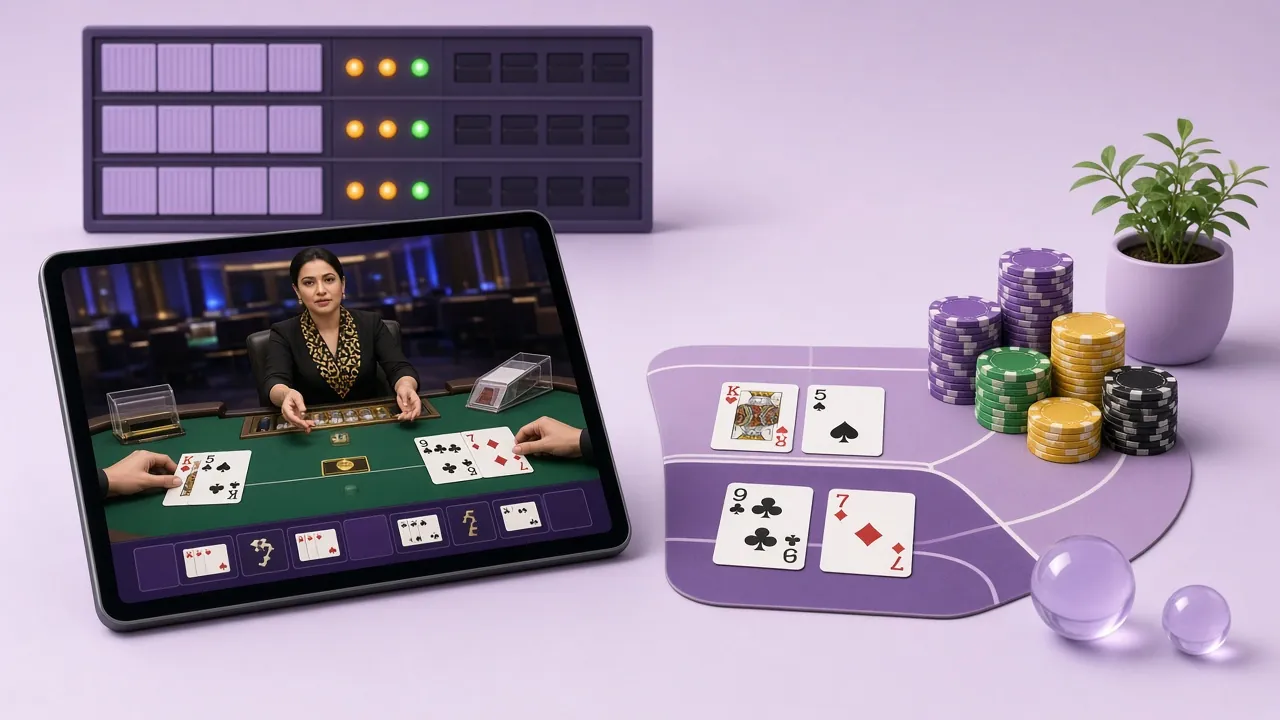
The app carries the same 5,200 games as the website, supplied by Ezugi, Spribe, Evolution, Playtech and KA Gaming. Four rooms that players open first are below. Each card leads to the sign-up page, because the lobby itself sits behind a login.
 Live
Mini Baccarat
Legend of Perseus
Live
Crash Goal
Double Exposure Blackjack
Cricket and football sit in the same build. Pre-match markets load under the sports tab, and in-play prices stay open while a live table plays in a second tab. Notifications for the matches you follow can be switched on from the profile screen.
iPhone and iPad: add fgd88 to your home screen
There is no iOS build to download. Apple keeps betting apps out of its store in Bangladesh, so Safari is the route on iPhone, with a home screen shortcut that behaves close to an installed app.
- Open Safari and load fgd88.cam. Sign in first, because the shortcut keeps the session that Safari already holds.
- Tap the share icon in the toolbar, the square with an arrow pointing up, then scroll the action list.
- Choose Add to Home Screen, name the shortcut fgd88, and confirm so the icon lands on your home grid.
- Open it from the icon. The site loads full screen without the address bar, and the cashier sits in the same place as on Android.
Rotate the phone to landscape for live dealer tables. The video window fills the width and the bet buttons move to the sides, which is far easier to hit than the portrait layout on a small screen.
Questions players send us about the APK
Short answers to what live chat hears most often about the download and the install. Support replies around the clock if your case is not listed here.
Still stuck after the fixes above? Ask the team directly, or read the sign-in help if the app opens but your password is refused.
Is the fgd88 app APK safe to install?
Why does my phone say the file could be harmful?
Can I install the app on an iPhone?
How do I update to a newer build?
Does the app link straight to my bKash account?
Will it eat my mobile data on a 4G plan?
Do I need a separate account for the phone?
Your fgd88 App install is one tap away
Download the 36 MB file, allow installs from your browser once, and the lobby opens on the same phone you already carry. New here? Create an account first, deposit from bKash or Nagad, and your balance is ready inside the app within a minute.
From there, live tables and slots sit under one tab, and the casino lobby guide explains which rooms load fastest on mobile data.